Frontend Performance Checklist (Real-World)
A quick, practical checklist I use to ship fast UIs: images, bundle size, rendering, and caching.
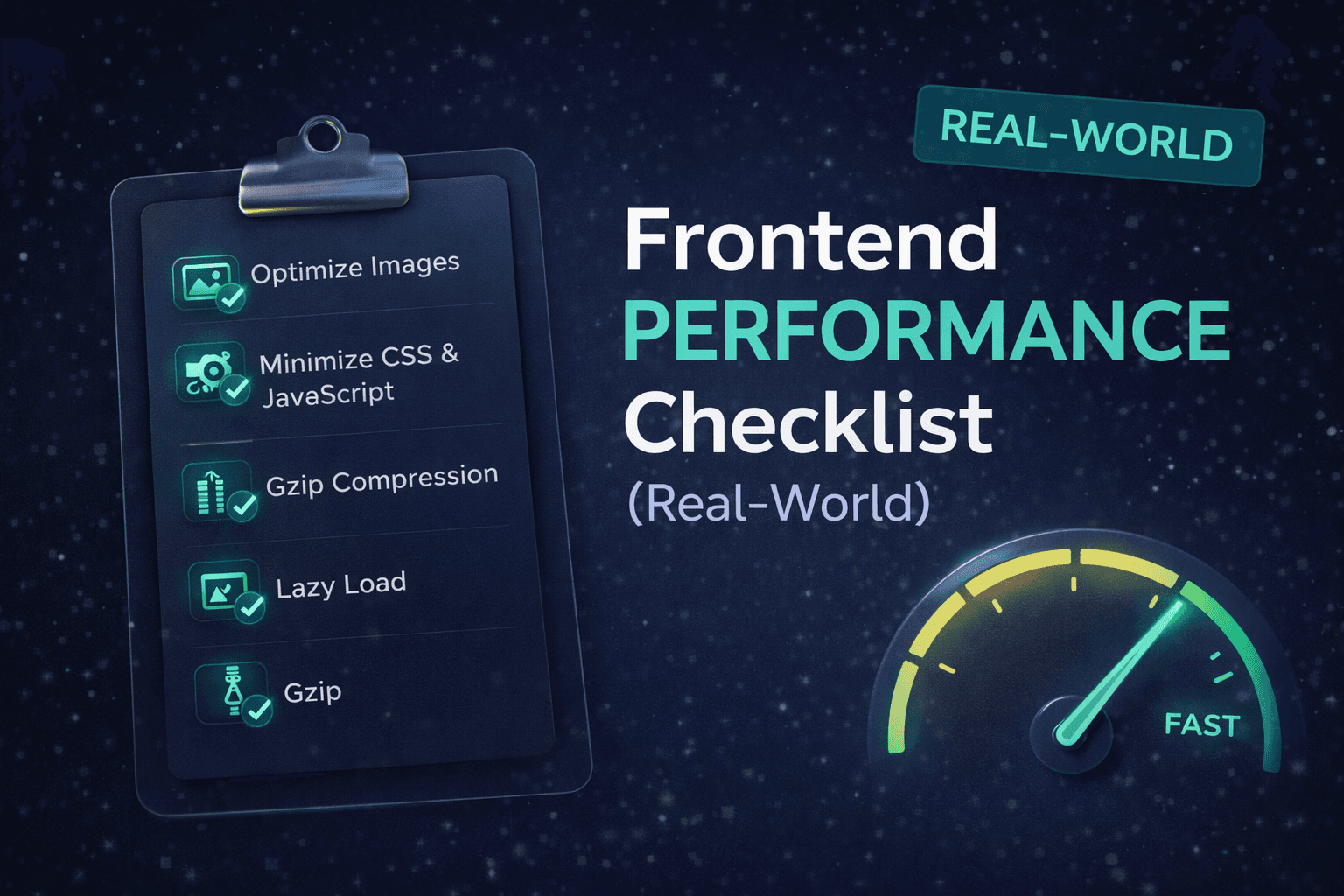
Performance isn’t about Lighthouse scores alone. It’s about what users actually feel: fast loading, smooth interactions, and zero jank. This checklist focuses on the things that move the needle in real React and Next.js apps.
1. Measure before you optimize
Tools to use
- Chrome DevTools → Performance tab
- Lighthouse (only as a guide)
- Web Vitals (LCP, INP, CLS)
- Next.js Analytics / Vercel Analytics
What matters most
- LCP → initial load speed
- INP → interaction responsiveness
- CLS → layout stability
If you don’t measure, you’re guessing.
2. Optimize images (biggest win)
Images are usually the #1 performance killer. Use the Next.js Image component:
import Image from "next/image";

<Image
  src="/hero.png"
  alt="Hero"
  width={800}
  height={400}
  priority
/>- Use WebP / AVIF
- Always set width & height
- Lazy‑load below‑the‑fold images
- Avoid CSS background images for content
3. Reduce JavaScript bundle size
React
- Avoid heavy libraries for small tasks
- Replace moment.js with dayjs
- Remove unused dependencies
Next.js
const Chart = dynamic(() => import("./Chart"), { ssr: false });Avoid global imports in _app.tsx.
4. Code splitting & lazy loading
Don’t load what users don’t need yet.
React
const Modal = React.lazy(() => import("./Modal"));Next.js
- Dynamic imports for modals, charts, editors
- Route-based code splitting is automatic — use it wisely
If it’s not visible on first load, it shouldn’t be in the main bundle.
5. Optimize React rendering
Common mistakes
- Large state objects
- Passing new functions on every render
- Overusing useEffect
Fixes
export default React.memo(Component);
- Use useCallback & useMemo only when needed
- Split large components into smaller ones
6. Avoid expensive effects
Red flags
- Effects that run on every render
- Heavy logic inside effects
- Data fetching in multiple places
Better pattern
- Fetch data at page level (Next.js)
- Move logic to server when possible
- Use dependency arrays correctly
7. Cache aggressively (frontend & backend)
Browser caching
Cache-Control: public, max-age=31536000, immutable
Next.js
fetch(url, { cache: "force-cache" });Use ISR (revalidate) where possible.
Result: faster repeat visits and lower server load.
8. Reduce API & network requests
- Combine API calls
- Avoid waterfall requests
- Debounce search inputs
- Cache responses
Fetch server-side when possible (getServerSideProps or Server Components).
9. Optimize third‑party scripts
- Load scripts asynchronously
- Remove unused trackers
- Delay non‑essential scripts
<Script
  src="https://example.com/script.js"
  strategy="afterInteractive"
/>
10. Prevent layout shift (CLS)
Common causes
- Images without dimensions
- Ads without placeholders
- Fonts loading late
Fixes
- Set width & height
- Use font-display: swap
- Reserve space for dynamic content
11. Enable compression
Make sure your server uses Gzip and Brotli:
gzip on;
brotli on;
12. Use production builds always
npm run build
npm start
Dev mode is intentionally slower.
13. Monitor in production
What to monitor
- Web Vitals
- Error rates
- Slow pages
Tools
- Google Search Console
- Sentry
- Custom analytics
14. Anti‑patterns to avoid
❌ Overusing UI libraries
❌ Global state for everything
❌ Huge components
❌ Premature memoization
❌ Optimizing without metrics
Final checklist (quick scan)
Good performance is not about hacks. It’s about habits.